Generate flashcards, quizzes, topic summaries, step-by-step photo explanations, and learning paths from material you choose.
An AI-powered study and focus app
WorkRythm: AI Study Cards
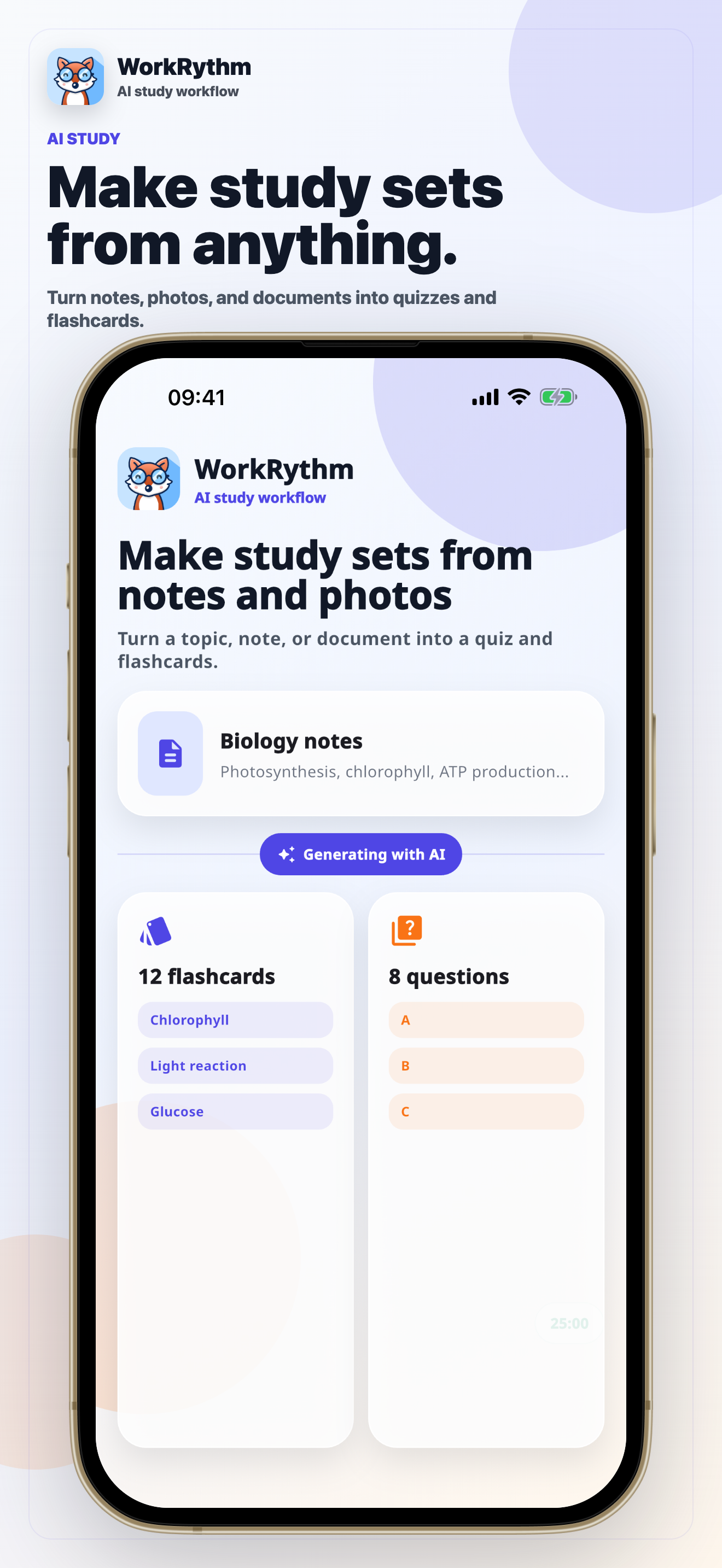
Turn topics, notes, photos, and documents into flashcards, quizzes, summaries, explanations, and learning paths. Then use Pomodoro sessions, tasks, reminders, and progress tools to keep studying.
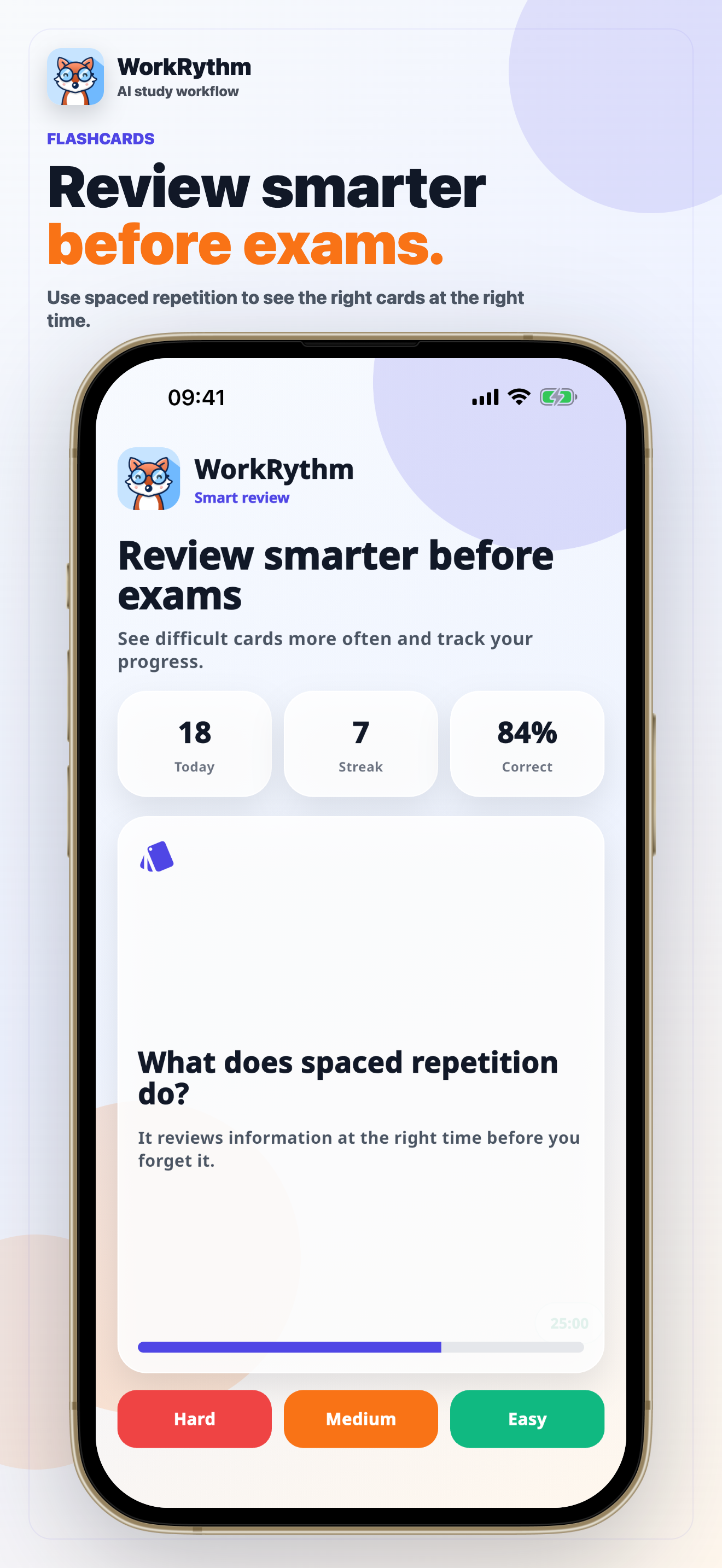
AI flashcards
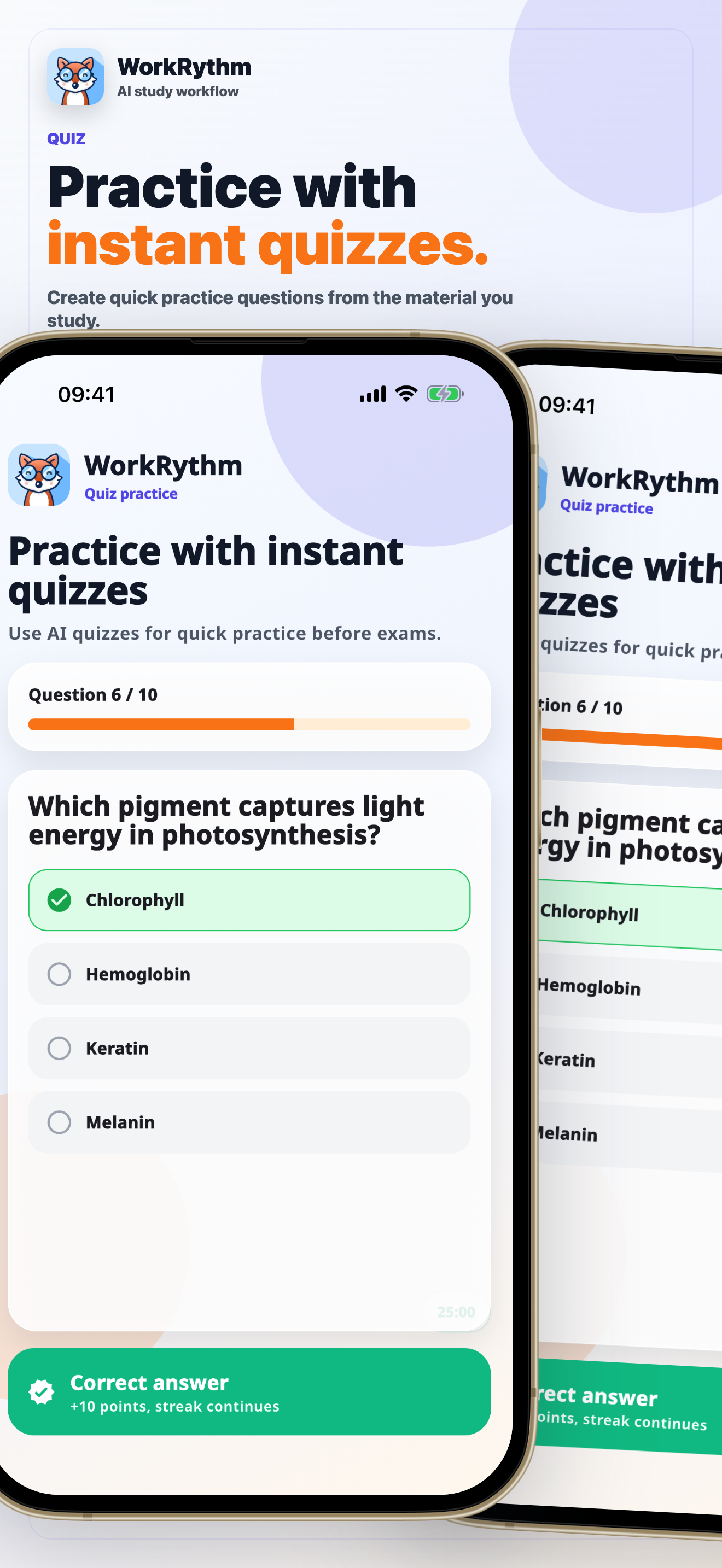
Quiz practice
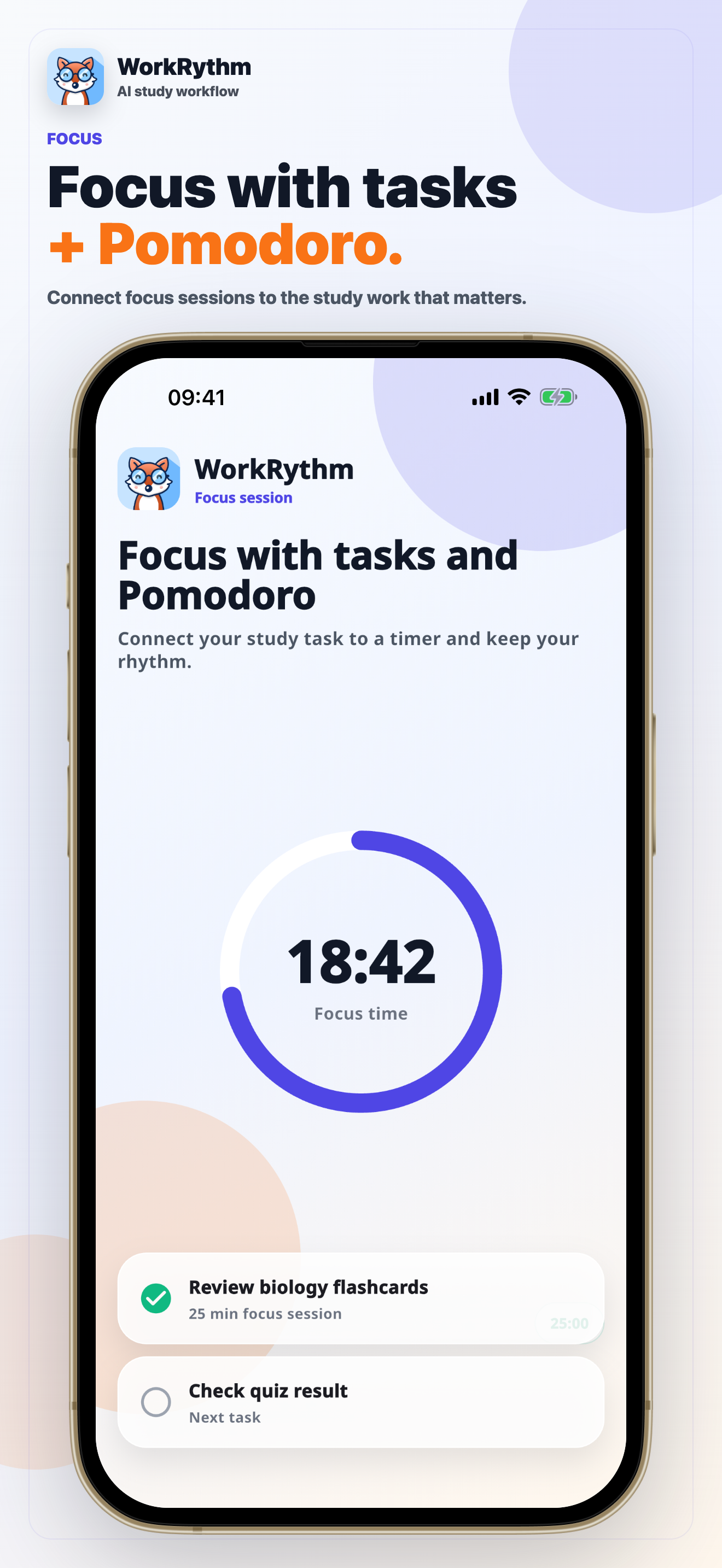
Pomodoro focus
What the app does
Study tools in one focused rhythm.
WorkRythm brings creation, review, focus, and progress into one app so students and self-learners can move from source material to deliberate practice without switching between disconnected tools.
Create or import decks and quizzes, repeat difficult cards, and keep study material organized on your device.
Run timed study sessions, connect focus time with tasks, and use optional reminders to maintain a routine.
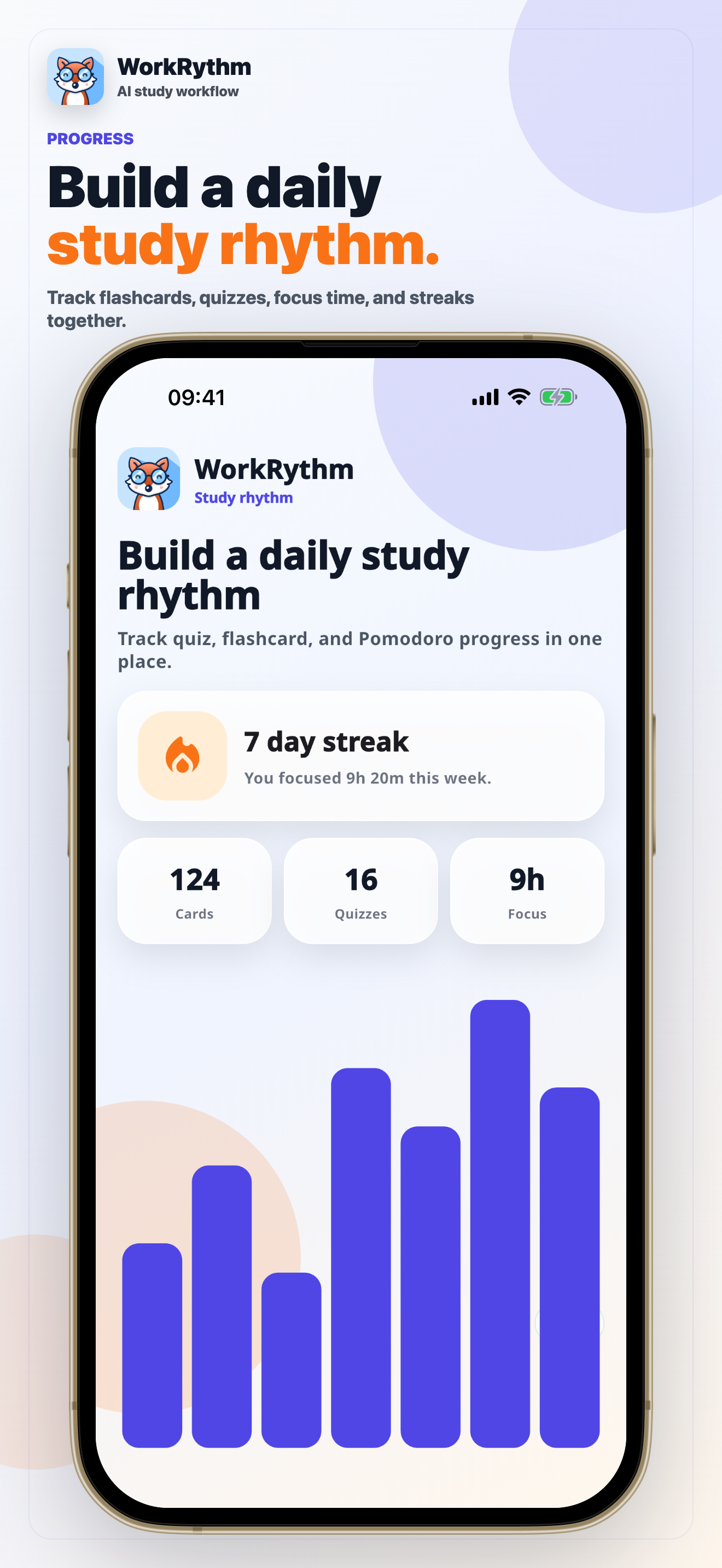
Review on-device study statistics, streaks, session history, and spaced-repetition progress.
How it works
From material to practice without a messy tool stack.
Choose what you want to learn, generate a useful study format, then review it during focused sessions.
01
Add material
Start from a topic, typed note, supported document, or photo you choose.
02
Generate practice
Ask AI+ for flashcards, a quiz, a topic summary, a photo explanation, or a learning path.
03
Review and focus
Use saved study material, quiz rounds, Pomodoro sessions, tasks, and progress views to repeat consistently.
Data transparency
Know what stays local and what uses the cloud.
WorkRythm separates your on-device study library from the account and AI services that need a network connection.
Your study library and history
Flashcard decks, quizzes, tasks, AI+ history, study statistics, and spaced-repetition records are stored locally on your device rather than synced as cloud study content.
Your account and service state
Your account profile, language and reminder settings, notification token, AI token balance, unlocked avatars, and purchase entitlements are stored with Firebase services.
Your selected source material
Your prompt, extracted document text, or selected photo is sent through WorkRythm's Firebase backend to OpenAI to produce the result you requested. Temporary AI image uploads are scheduled for automatic cleanup.
Optional account access
Google Sign-In and your data
When you choose Google Sign-In, WorkRythm receives your Google account identifier, email address, display name, and sign-in provider through Firebase Authentication.
We use those details to sign you in, identify your WorkRythm profile, and associate account settings, reminders, AI token balance, and purchase entitlements with your account. WorkRythm does not request access to Gmail, Google Drive, Google Calendar, Google Contacts, or other sensitive or restricted Google data. We do not sell Google Sign-In data or use it for advertising.
Read the full Privacy PolicyInside the app
Built around real study screens.
Each screen supports a specific part of the routine: create, review, focus, test, and measure progress.
Clear privacy, support, and deletion paths.
Review how Google Sign-In, AI inputs, account data, local study material, purchases, ads, analytics, notifications, support requests, and deletion are handled.